

Reverse engineering is not “hit scan and get SolidWorks.” End use drives the model. A 3D print, a CNC program, an FEA mesh, and a drawing package are four different jobs — even if they start from the same part on the table.
Start with the decision, not the file type
Before we talk STL vs STEP vs a parametric assembly, we ask:
- Will you print, machine, inspect, or analyze?
- Do you need to change the design, or match the physical part?
- Are there fits, threads, and critical bores that must be features, not sculpted surfaces?
- Can the part ship to South Windsor, or is this an on-site capture?
Four deliverable families
We group reverse-engineering work as mesh only, NURBS / surfaces, feature-based solids, or hybrid. Mesh is closest to the scan. Surfaces import cleanly into mechanical CAD and CAM. Feature-based models are what you want if the next step is a drawing or an ECO. Hybrid is common on castings with machined datums.
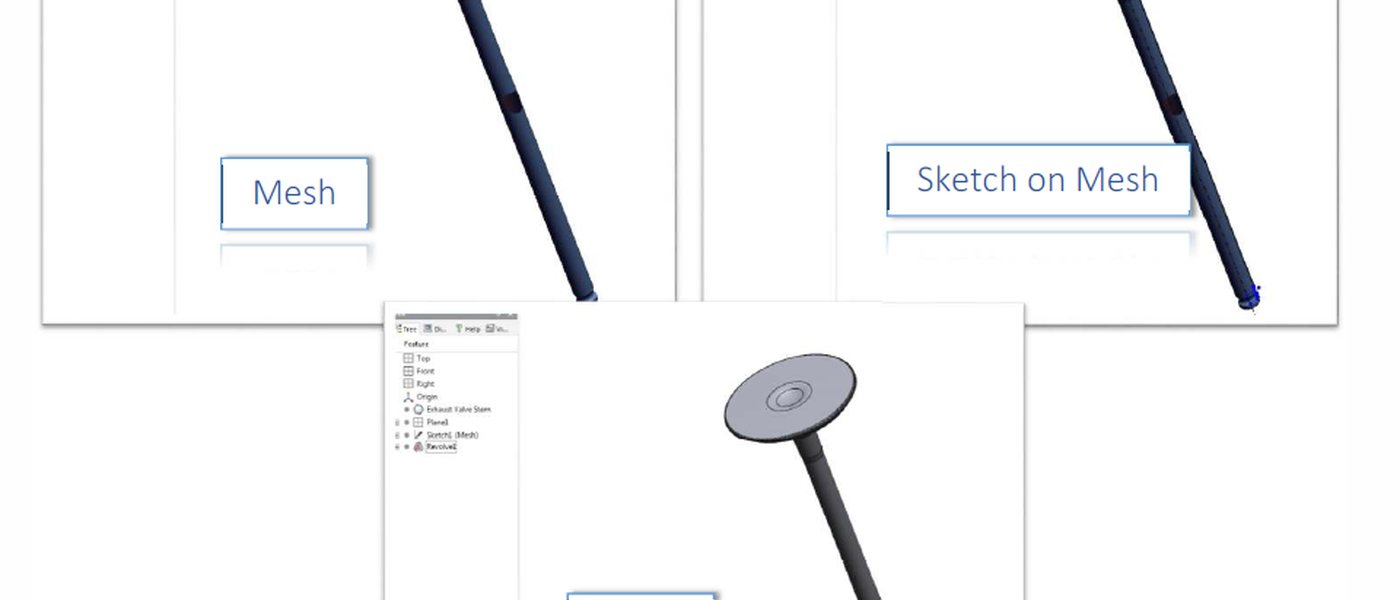
Our reverse engineering page walks through those four types in more detail. For a quote, photos from several angles plus a sentence on the end use is enough to start — contact the lab.
— Bolton Works